
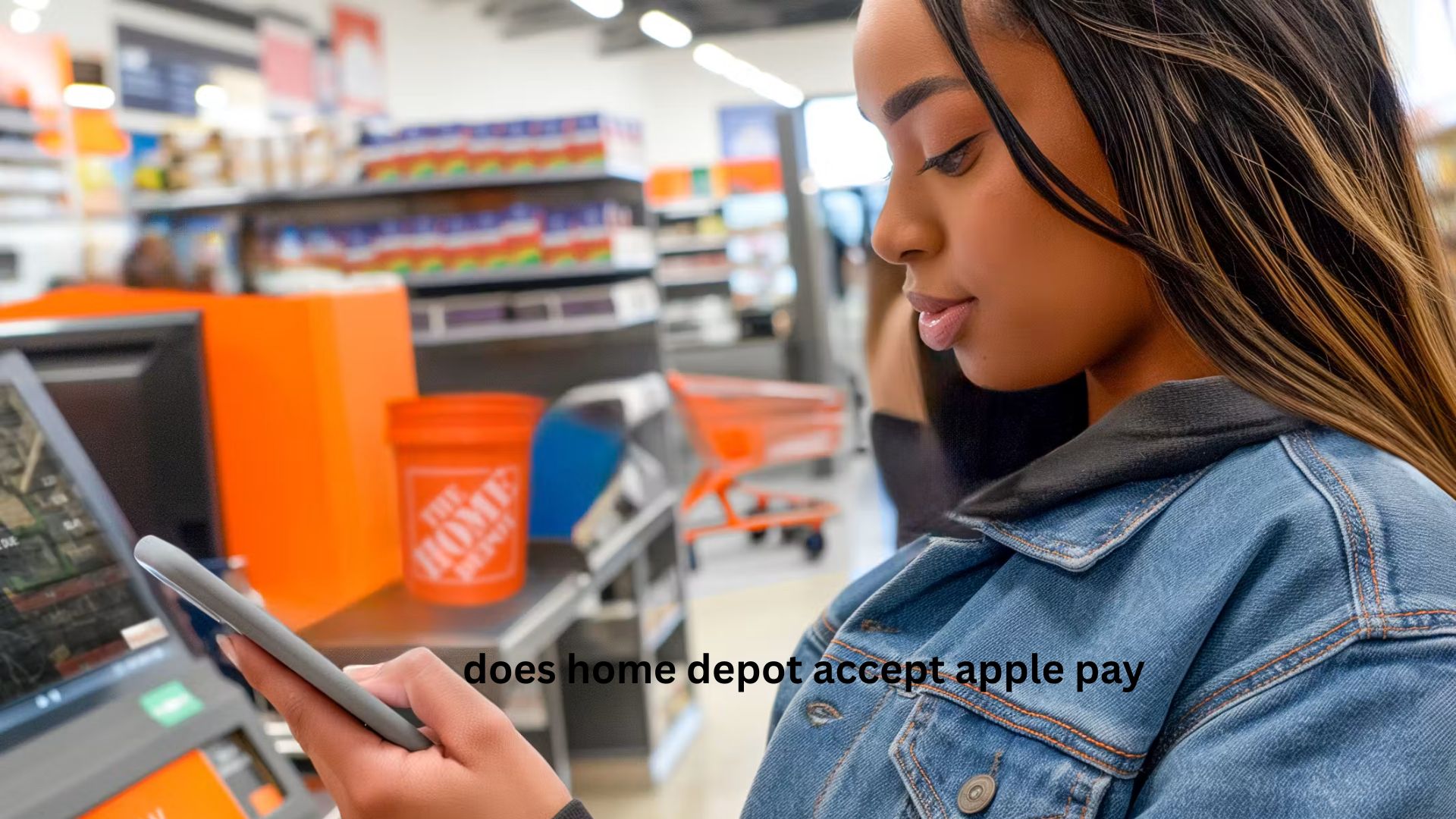
You’re standing in the checkout line at Home Depot, your shopping cart loaded with lumber, paint, or a new power drill. You reach for your wallet only to realize you left it at home. Then you remember your iPhone or Apple Watch and wonder: does Home Depot accept Apple Pay?
The short answer is yes. Home Depot accepts Apple Pay at most of its U.S. retail stores, allowing customers to make quick, contactless payments using their iPhone, Apple Watch, or other compatible Apple devices. However, there are a few important details that can affect your shopping experience, especially if you’re ordering online, using curbside pickup, or paying through the Home Depot app.
This guide explains everything you need to know, including where Apple Pay works, how to use it, potential limitations, troubleshooting tips, and whether it’s the best payment option for your next visit. Whether you’re a first-time Home Depot customer or a regular DIY enthusiast, you’ll find practical advice that helps you avoid surprises at checkout.
Does Home Depot Accept Apple Pay?
Yes, Home Depot accepts Apple Pay in most physical store locations across the United States. Customers can pay by holding their iPhone or Apple Watch near the contactless payment terminal after authenticating with Face ID, Touch ID, or their device passcode.
Apple Pay works just like a contactless credit or debit card but offers additional security because your actual card number is never shared with the retailer.
If you’re shopping inside a Home Depot store, paying with Apple Pay is usually fast and straightforward.
Where Can You Use Apple Pay at Home Depot?
Apple Pay availability depends on how you’re shopping.
In-Store Purchases
Apple Pay is accepted at most checkout registers equipped with NFC (Near Field Communication) payment terminals.
You can use it for purchases like:
- Building materials
- Tools
- Paint
- Appliances
- Garden supplies
- Lighting
- Hardware
- Flooring
- Plumbing products
Simply unlock your device, authenticate your payment, and tap it near the payment reader.
Online Orders
Apple Pay availability on Home Depot’s website can vary depending on:
- Your device
- Browser
- Region
- Current checkout system
If Apple Pay is available during checkout, it will appear as one of the payment options.
If you don’t see it, you can usually pay with:
- Credit cards
- Debit cards
- PayPal
- Home Depot Consumer Credit Card
- Home Depot Project Loan
- Gift cards
Home Depot Mobile App
Depending on your device and operating system, Apple Pay may also appear within the Home Depot mobile app during checkout.
If it’s available, selecting Apple Pay allows you to complete your purchase without manually entering payment information.
How to Use Apple Pay at Home Depot
Using Apple Pay only takes a few seconds.
On an iPhone
- Double-click the side button.
- Authenticate with Face ID or Touch ID.
- Hold your phone near the payment terminal.
- Wait for the confirmation checkmark.
- Collect your receipt.
On an Apple Watch
- Double-click the side button.
- Select your payment card if needed.
- Hold the watch close to the payment reader.
- Wait for the vibration and confirmation.
Why Many Customers Prefer Apple Pay
Apple Pay offers several advantages over traditional payment methods.
Faster Checkout
There’s no need to insert your card or type your PIN for many purchases.
This can noticeably reduce waiting time, especially during busy weekends.
Better Security
Apple Pay uses tokenization, meaning your real card number is never shared with Home Depot.
Every purchase is authorized using:
- Face ID
- Touch ID
- Device passcode
This significantly reduces the risk of payment fraud.
Less Physical Contact
Contactless payments remain popular because they minimize touching payment terminals.
For shoppers who value convenience and hygiene, Apple Pay offers a seamless experience.
Easy Card Management
You can store multiple cards inside Apple Wallet and choose which one to use at checkout.
This is especially useful if you want to:
- Earn travel rewards
- Maximize cashback
- Separate business and personal expenses
What Apple Devices Support Apple Pay?
You can use Apple Pay with compatible devices, including:
- iPhone with Face ID
- iPhone with Touch ID
- Apple Watch
- iPad (for supported online purchases)
- Mac (on compatible websites)
Before shopping, make sure:
- Apple Wallet is set up.
- Your payment card is verified.
- Your battery has enough charge.
Does Every Home Depot Store Accept Apple Pay?
Most locations do, but there are a few exceptions.
Some older stores may still be upgrading payment hardware.
If you’re visiting:
- A newly opened location
- A temporary store
- A specialty location
it’s worth asking an associate before reaching the register.
In practice, Apple Pay has become widely available across Home Depot’s U.S. retail network.
Can You Use Apple Pay for Large Purchases?
Yes.
Apple Pay can be used for expensive purchases as long as:
- Your card issuer approves the transaction.
- Your available credit or account balance is sufficient.
- The payment terminal accepts contactless payments.
Many people successfully use Apple Pay for purchases worth hundreds or even thousands of dollars.
Can You Use Apple Pay With Home Depot Gift Cards?
Not directly.
Apple Pay uses the payment cards stored in Apple Wallet.
If you have a physical Home Depot gift card, you’ll typically need to:
- Scan it separately
- Present it before completing payment
Some digital gift cards can also be scanned during checkout.
Apple Pay vs Other Home Depot Payment Methods
| Payment Method | In Store | Online | Contactless |
|---|---|---|---|
| Apple Pay | Yes | Sometimes | Yes |
| Credit Card | Yes | Yes | Some cards |
| Debit Card | Yes | Yes | Some cards |
| PayPal | Limited in-store | Yes | No |
| Home Depot Gift Card | Yes | Yes | No |
| Cash | Yes | No | No |
Apple Pay stands out because it combines speed, security, and convenience without requiring shoppers to carry physical cards.
Common Problems When Paying With Apple Pay
Although Apple Pay usually works smoothly, occasional issues can occur.
Payment Terminal Doesn’t Respond
Sometimes the contactless reader isn’t active yet.
Wait until the cashier finishes scanning your items before holding your phone near the terminal.
Face ID Doesn’t Authenticate
If Face ID fails:
- Clean your camera.
- Remove sunglasses if necessary.
- Enter your passcode.
Card Declined
A declined payment usually isn’t caused by Apple Pay itself.
Possible reasons include:
- Insufficient funds
- Bank security checks
- Expired card
- Temporary issuer restrictions
Trying another card stored in Apple Wallet often solves the issue.
Wallet Not Opening
Restart your iPhone or Apple Watch.
Also make sure:
- NFC is functioning normally.
- Apple Wallet hasn’t been disabled.
- Your software is up to date.
Practical Shopping Tips
If you’re planning a Home Depot trip, these habits can save time.
- Add multiple payment cards to Apple Wallet before shopping.
- Keep your iPhone battery charged.
- Bring a backup payment method for unexpected technical issues.
- Verify your preferred rewards card is selected before tapping.
- Ask for digital receipts if available for easier expense tracking.
These small preparations make checkout much smoother, especially during busy shopping periods.
A Real-World Example
Imagine you’re renovating a bathroom and make three separate Home Depot visits in one weekend.
Instead of repeatedly pulling out your wallet, inserting a card, and waiting for authorization, Apple Pay lets you authenticate with Face ID and complete each transaction in seconds.
The convenience becomes even more noticeable when you’re carrying bulky items or pushing a heavily loaded cart. For contractors or frequent DIY shoppers, those small time savings add up over dozens of store visits throughout the year.
Two Helpful Insights Many Guides Miss
Apple Pay Can Simplify Shared Household Spending
If multiple family members use the same shared credit account through Apple Wallet on their own devices, tracking home improvement expenses becomes easier. Instead of passing around a physical card, each authorized user can pay securely from their own device while purchases still appear on the same account statement.
Contactless Payments Help Protect Your Physical Cards
Frequent card insertion and swiping can wear out magnetic strips and chips over time. Using Apple Pay reduces physical wear on your cards, which can help avoid frustrating situations where a damaged card stops working just when you need it for a major purchase.
Is Apple Pay Safe at Home Depot?
Yes.
Apple Pay is considered one of the safest payment methods available because:
- Card numbers aren’t shared with the merchant.
- Every payment uses a unique encrypted token.
- Face ID or Touch ID prevents unauthorized use.
- Lost phones can be remotely locked through Apple’s Find My feature.
For most shoppers, Apple Pay is actually safer than carrying several physical cards.
FAQ
Does Home Depot accept Apple Pay for online orders?
It depends on your device, browser, and checkout experience. If Apple Pay is supported, it will appear as a payment option during checkout. If it doesn’t appear, you’ll need to choose another available payment method, such as a credit card, PayPal, or a Home Depot gift card.
Can I use Apple Pay for curbside pickup at Home Depot?
Yes, if you’re paying through the app or website and Apple Pay is offered during checkout. Since payment is completed before pickup, you won’t usually need to pay again when you arrive. Always check the available payment methods before placing your order.
Does every Home Depot checkout register support Apple Pay?
Most modern checkout lanes do, but older equipment or temporary registers may not. If you’re unsure, ask a store associate before your items are scanned. Self-checkout stations in many locations also support contactless payments.
Can I earn credit card rewards when using Apple Pay at Home Depot?
Yes. Apple Pay simply uses the credit or debit card stored in your Apple Wallet, so you’ll generally earn the same rewards, cashback, or points that your card normally provides. The payment method doesn’t reduce your card’s benefits.
Is there a spending limit when using Apple Pay at Home Depot?
Home Depot doesn’t generally impose a separate limit specifically for Apple Pay. Your purchase amount is mainly limited by your card issuer’s available credit, account balance, or fraud protection policies. Large purchases are commonly completed through Apple Pay without issues.
Conclusion
So, does Home Depot accept Apple Pay? In most cases, the answer is yes. Whether you’re buying a few screws or investing in a major home renovation project, Apple Pay provides a secure, fast, and convenient way to pay in-store. While online and app availability can vary depending on your device and checkout method, the overall experience is smooth for most customers.
Before your next Home Depot visit, make sure your Apple Wallet is set up, your preferred card is selected, and your device is charged. A few seconds of preparation can make checkout quicker, safer, and more convenient—letting you focus on your project instead of your payment.